

When braille changes language on its own
Article topic: Technology and Autonomy
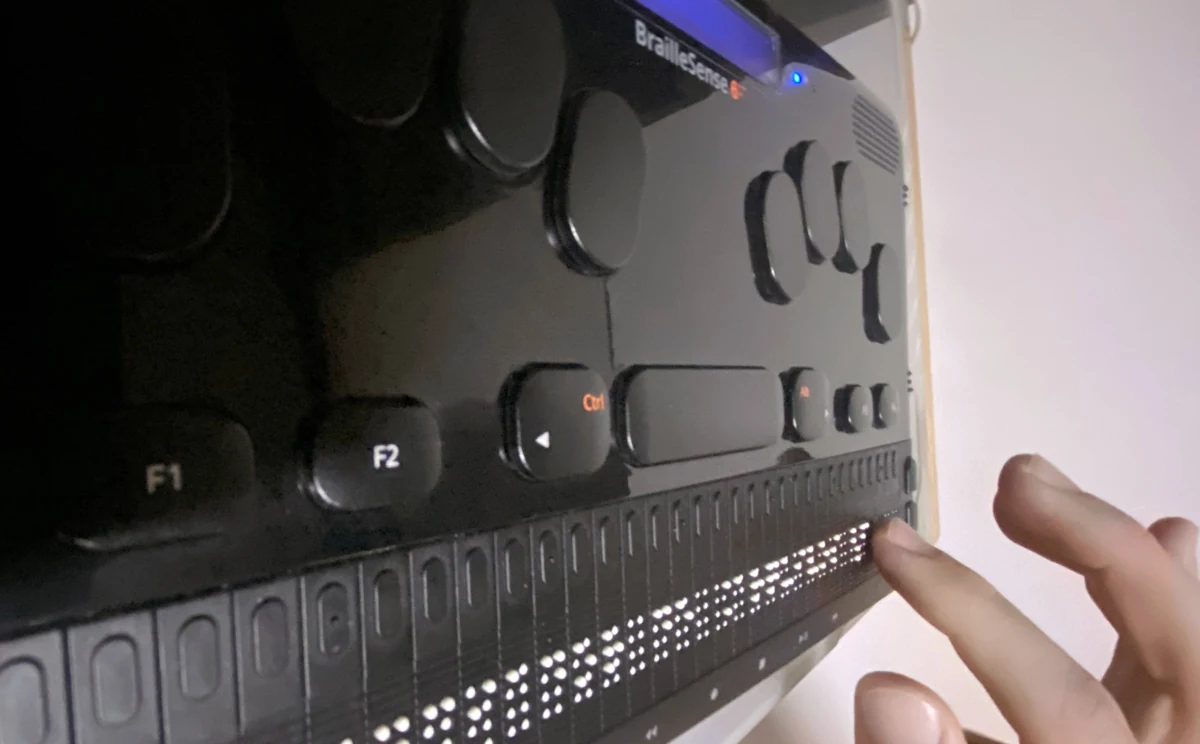
I was testing the settings of a braille device in Brazilian Portuguese. I switched the reading table to Spanish and then back to Brazilian Portuguese. The general settings showed the language I had chosen. In the reading profile, however, the device had selected the European Portuguese table.
To explain why that worried me, I need to describe how text reaches my fingers. The cells on a braille display have dots that rise and fall. Which dots go up to form a letter, a punctuation mark, or a combination of characters is largely determined by a translation table. Those conventions can vary with the language and the writing system. Two countries can share a language and still not use the same braille rules.
I repeated the tests with other languages and installed a newer version. The behavior was still inconsistent. I explained to the development team what was happening and sent an error log. A few days later, I was able to try another version and reported that, as far as I could tell, the problem seemed to be solved.
The words on a menu and what appears under my fingers
On another occasion, I took on the job of reviewing the messages of a device that was going to run in Brazilian Portuguese. Some of the text was already in Portuguese but needed work: I found spelling mistakes and terms that didn’t fit the functions they described. I sent back the corrected files so a test version could be prepared.
With these devices, I can run into two different language issues. One is how an option appears in a menu; the other is how content is represented in braille. The menu can be well translated while the reading table is wrong. Even the documentation explaining the commands may not match what the software does.
Over time, I also worked with uncontracted, contracted, and computer braille tables. In one exchange with developers, I got contracted braille working after a change in the translation engine settings. One thing was still missing: when I cycled through the reading options with a keyboard shortcut, contracted mode didn’t show up. I asked for all three modes to be available and also sent Latin American Spanish tables. There were more rounds of testing before the updates went out.
That work made me pay close attention to what it means for a product to be available in several languages. I want to be able to switch from one to another, read a document, and return to my usual settings without my preferences changing along the way. Reviewing the menu messages is one part of the job. The other is writing and reading with the braille that people who speak that language will use, because that’s where things like what happened with that first device show up: the general settings said “Brazilian Portuguese,” and the reading profile had the European Portuguese table.